
How to add a background Song to the Tour?

Andrea
Last Update 5 months ago
To set a background song during the navigation of a virtual tour, you can follow these steps.
Select Virtual Tours -> List Tours from the side menu and click the Edit button on the desired tour.

Go to tab Contents / Song.

Click on the "Upload Song" to upload the mp3 file and adjust the Volume.
Click Save on top of the page.
Select Virtual Tours -> Editor UI from the side menu.
Click on the Sound icon on top left.
To enable it check the Show checkbox and set the Autoplay mode.
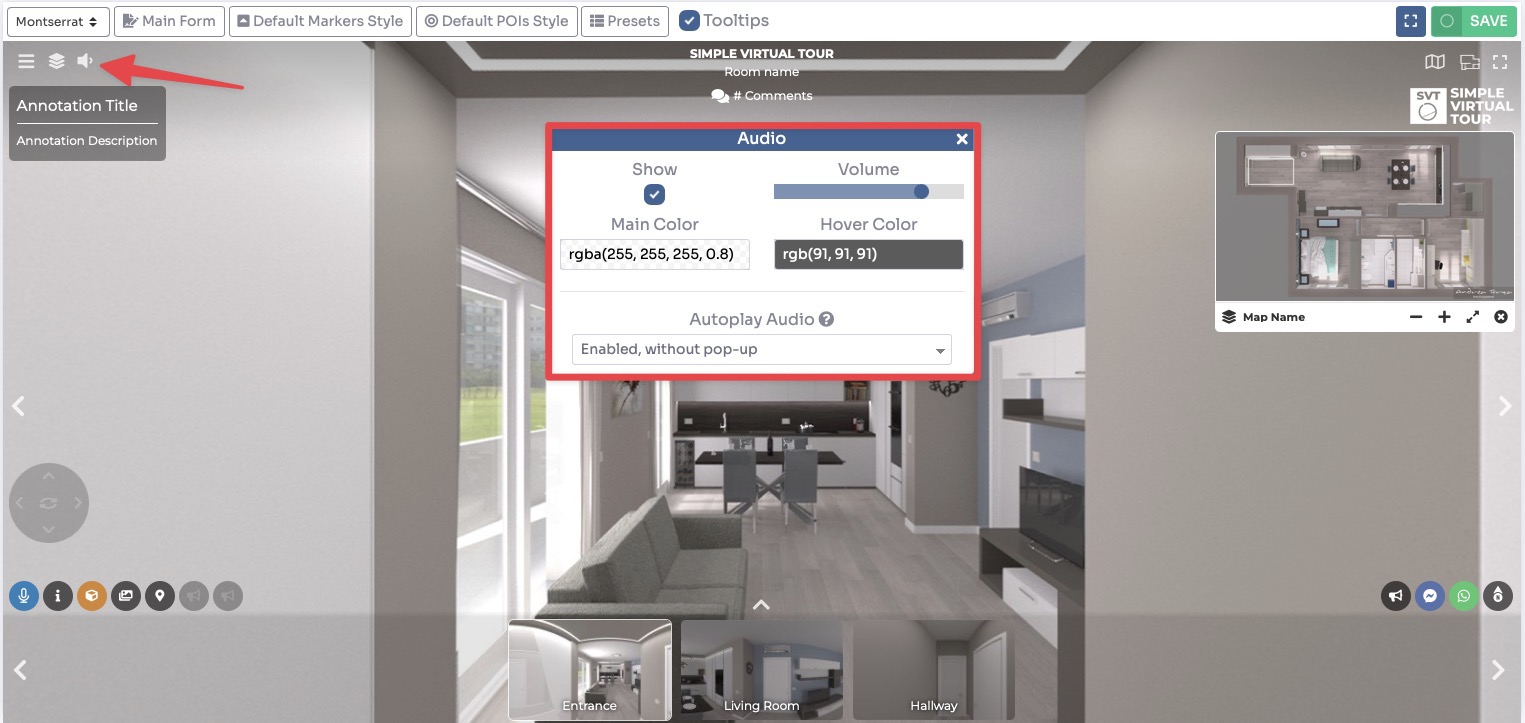
Click Save on top right corner of the page.
Remember to ensure that you have the necessary rights and permissions to use the chosen background song in your virtual tour, especially if it is copyrighted material.