How to Protect a Tour?

Andrea
Last Update 5 months ago
Select Virtual Tours -> Publish, from side menu.
Go to the Protection section.
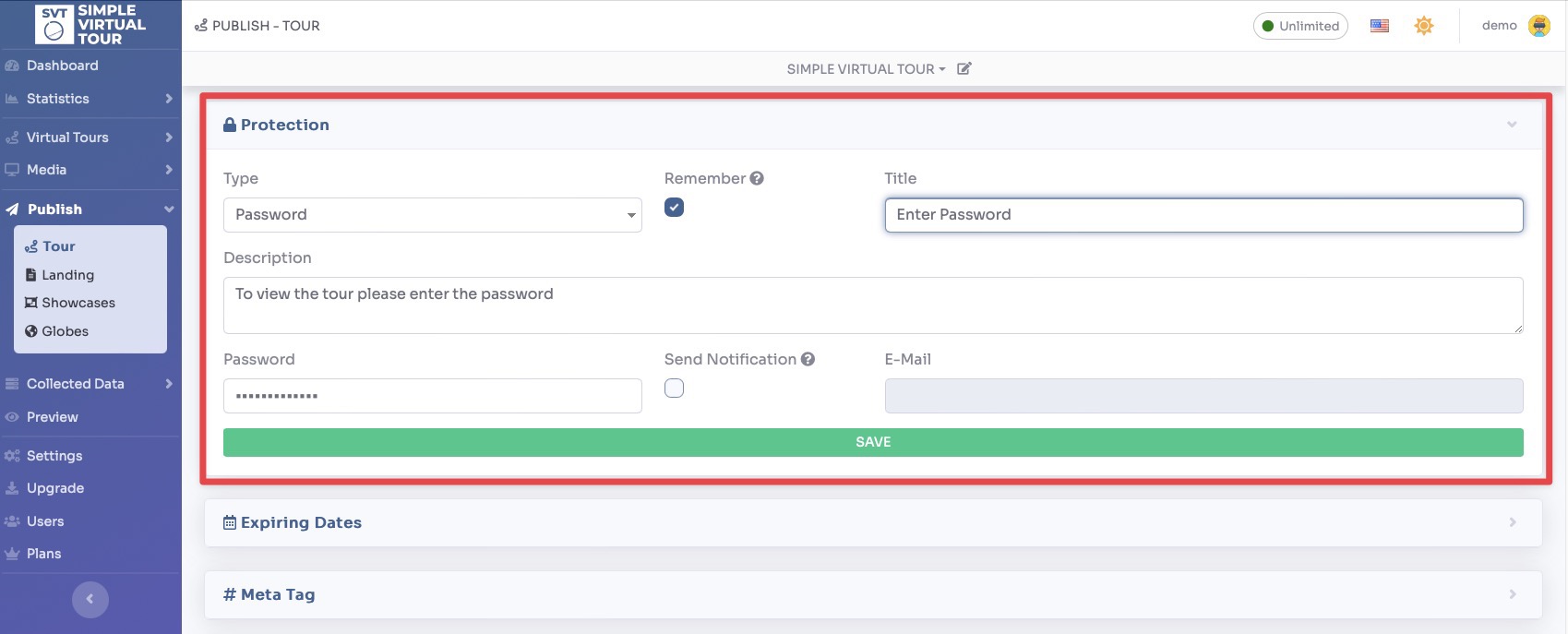
You can restrict access to your virtual tour and customize the prompt that viewers see by configuring the following settings:
- Type: Choose from three different ways to protect your tour:
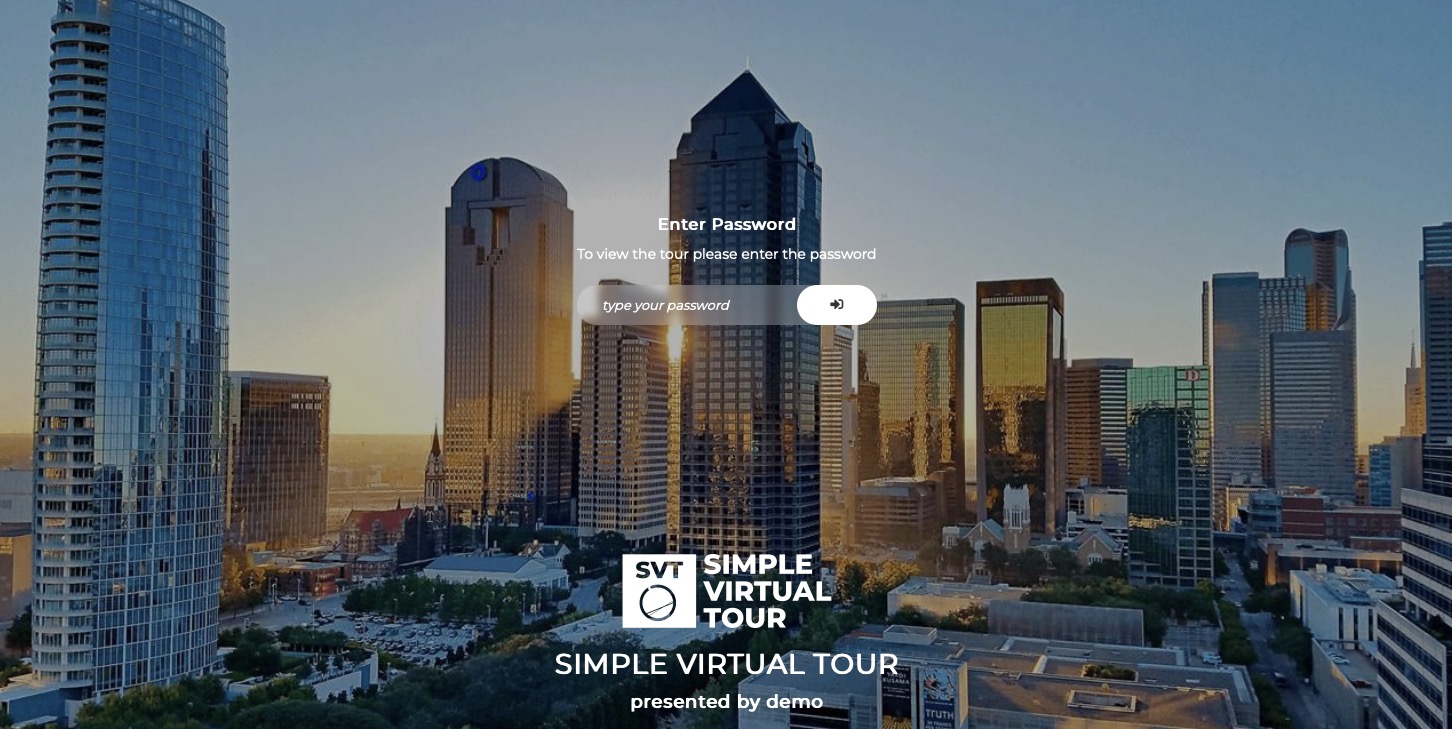
- Password: Require users to enter a specific password before they can view the tour.
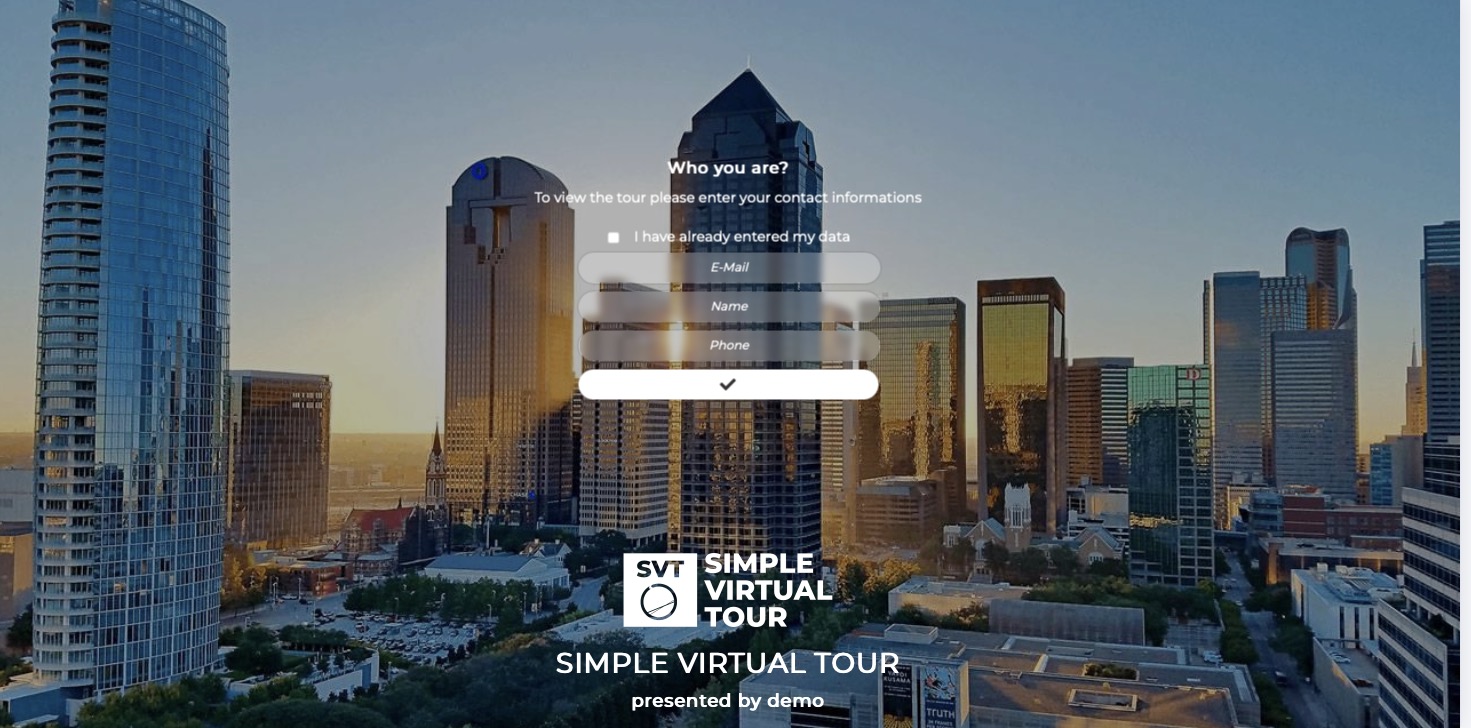
- Lead: Require users to submit their contact details to gain access (great for lead generation).
- Mailchimp Signup Form: Integrate an email capture form by pasting the code provided by Mailchimp.
- Window Customization: Add a custom Title and Description to personalize the access window.
- Email Notifications: Enable this option to automatically receive an email alert whenever a user submits their lead information.
- Remember: Enable this setting so returning users don't have to re-enter their password or contact details if they revisit the tour later.
Click the Save button to apply your protection settings.
The result of a protected tour is as follows: