
How to publish / embed a tour?

Andrea
Last Update 5 months ago
Select Publish -> Tour, from the side menu.
You have several publishing options available to customize how your virtual tour is shared:
Protection
- Password: Restrict access so only users with the correct password can view the tour.
- Lead Generation: Block access until the viewer provides their contact information (acting as a lead capture form).
You can block every tour by password or restricting access only after providing contact information (lead).

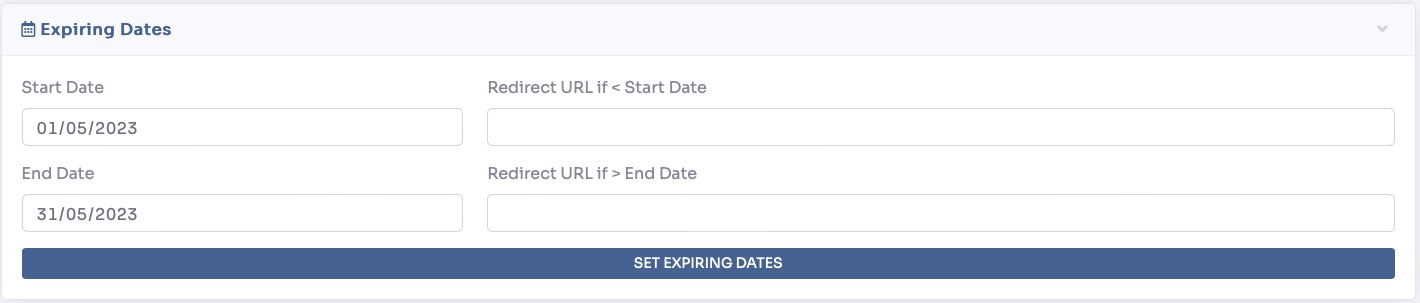
Expiring Dates
Control exactly when your tour is available to the public.
- Scheduling: Set a precise Start Date and End Date for the tour's availability.
- Redirect URL: Specify a web address where users will be automatically redirected if they try to access the tour after it has expired.
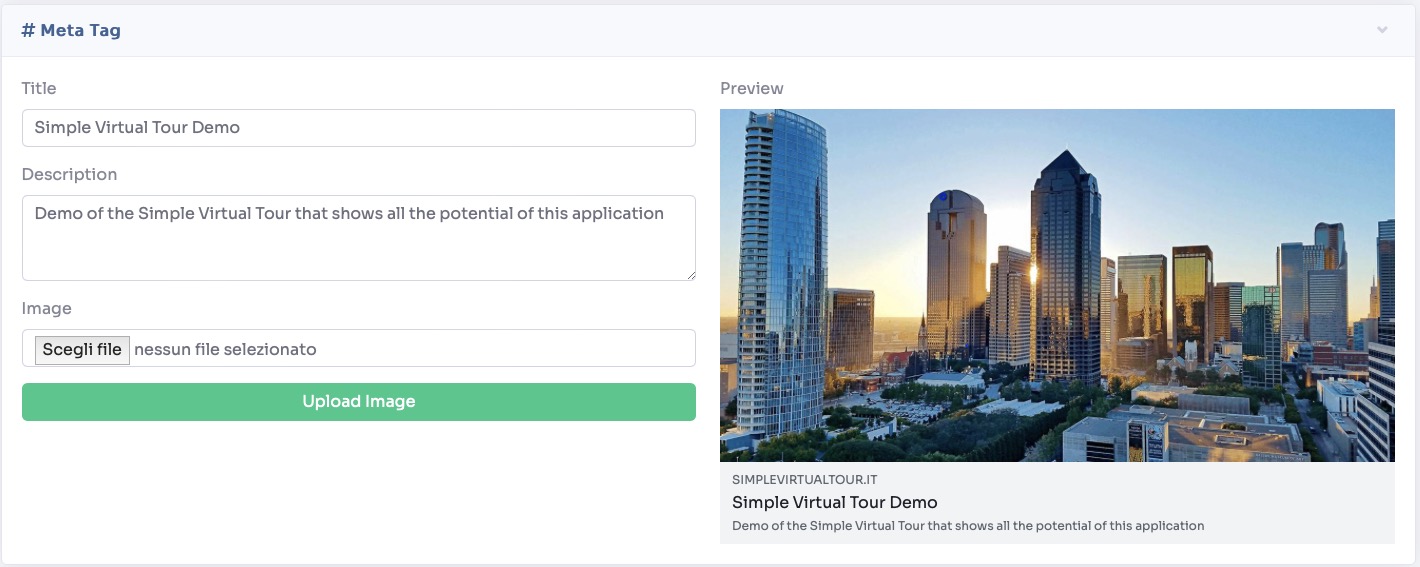
Meta Tag
Customize how your tour appears when its link is shared on social media or messaging platforms.
- Fill in the Title and Description fields, and upload a thumbnail Image to create an attractive, clickable preview card.
Share & Embed
Every created virtual tour is automatically published with a permanent link. This section provides all the tools you need to share it:
- Status: To unpublish a tour, simply change its status to Deactivated.
- First Page: Check the Show in first page box to automatically open the tour on the first page of your site.
- Sharing Links: Share the tour directly to multiple social platforms, messaging apps, or via email. You can also assign a custom, "friendly" link to make the URL easier to read.
- Embed Code: Copy this code to display the tour directly on any external website (such as within a WordPress page editor).
- Quick Actions: Use the small icons on the right side of the panel to quickly open the link in a new tab, copy it to your clipboard, or generate a printable QR code.

Virtual Reality
Access specific sharing links optimized for VR. VR tours allow viewers to explore the virtual space immersively, experiencing different perspectives by changing their physical position or viewing angle.
